

Watch: getting sharp, accurate answers from Edward — the perfect prompt, follow-ups, comparisons, and formatting.
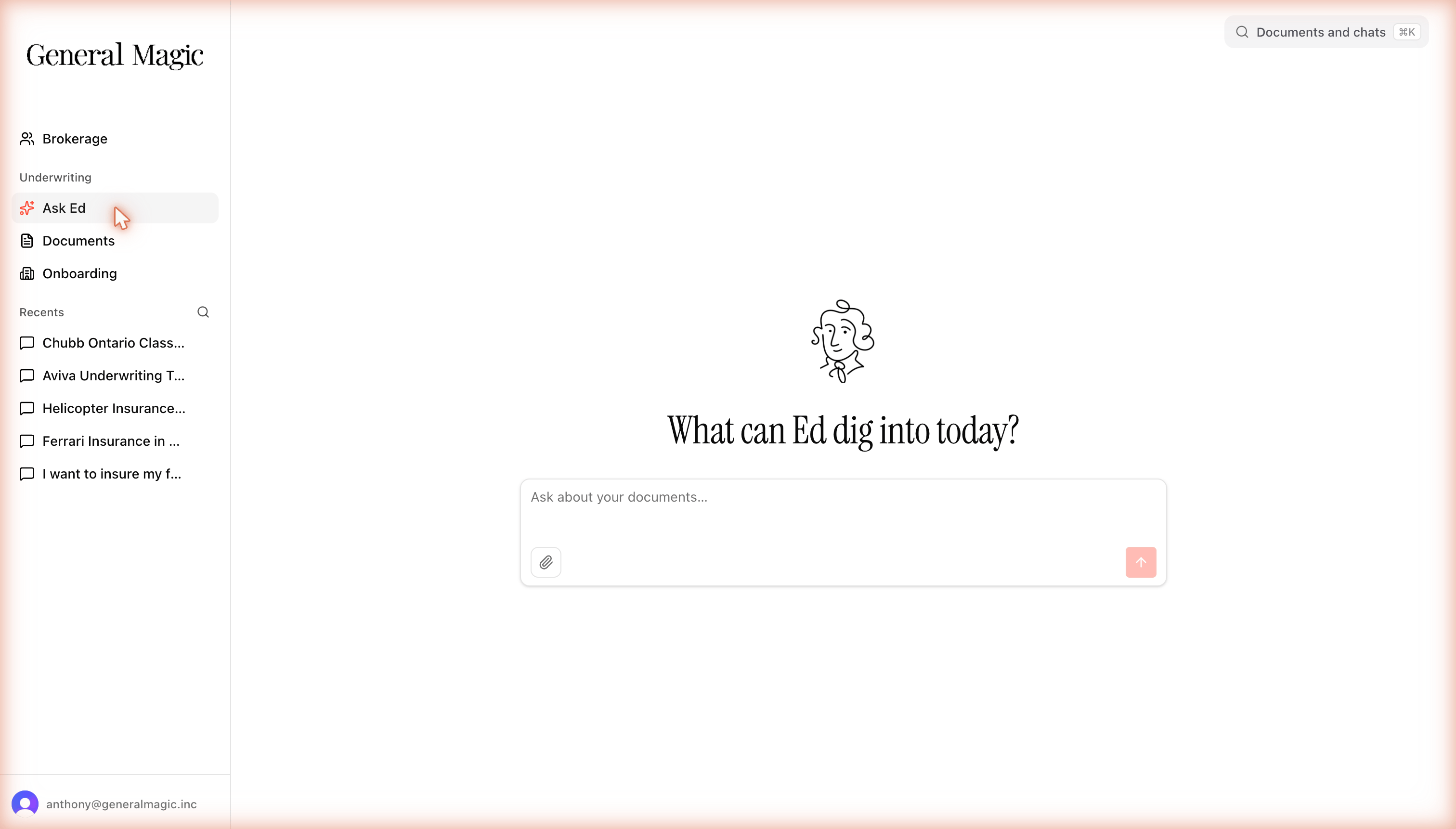
Open Ask Ed and type your question in the box. No special syntax needed.
Ask in plain language
Ask real underwriting questions in natural language. For example:- “Will this carrier write a restaurant with a deep fryer?”
- “Can I write a DB-12 Aston Martin, and which carrier is the better fit?”
- “What’s the minimum deductible for a wood-frame building in this region?”
Set the carrier, product, and region
Edward answers within a scope: a specific carrier, product, and region. It works this out for you:- If you name a carrier or region in your question, Edward uses it.
- If you don’t, Edward falls back to your default region and your assigned scopes.
If your question is missing a detail Edward needs, or several carriers could match, it will ask you to confirm before answering rather than guess. Answering that prompt takes a second and keeps the answer accurate.
Ask follow-up questions
Edward remembers the context of your conversation. Once you’ve established the carrier and product, you can keep drilling in without repeating yourself:“Will Carrier X write a bakery?” “What about with a wood-fired oven?” “And if the building is over 40 years old?”Each follow-up builds on the last, so you get a natural back-and-forth instead of starting over each time.
Reference a specific document
If you want an answer from a particular document, mention or attach it in your question. Edward will focus on that document rather than searching your whole library. You can also ask Edward which manuals you have access to — for example, “What Aviva manuals do I have?” — and filter by product, province, or territory to find the right one.Watch: reference a specific manual, see which manuals you have access to, and search within a document.
Next: understanding answers
Learn how to read citations, confidence levels, and Edward’s honesty signals.